Recognizable details
Clear reference photographs guide the faces, ages and details you want to preserve. Always inspect the finished picture.
About our photo tools
Bring meaningful photographs together, make a family portrait, or prepare a personal image for remembering, celebrating and sharing.
“A photograph can hold a familiar face, an important occasion and the words you want to keep beside it.”
Why these tools exist
The photo you want does not always exist. A relative missed a celebration, family members live in different places, or a cherished snapshot needs a calmer portrait setting.
Our tools give those tasks separate starting points. Add one person to an existing scene, create a new family portrait from references, or make a standalone memorial image.
Seasonal tools help you prepare Hanukkah and Halloween pictures. Add your own text after generation, choose a print canvas, and inspect the actual result before downloading.



What you can make
Choose the tool that fits your starting photographs and the image you want to keep. The same workspace supports previews, personal text and downloads.
Use a clear reference photograph to create a respectful portrait with the setting and visual finish you choose.
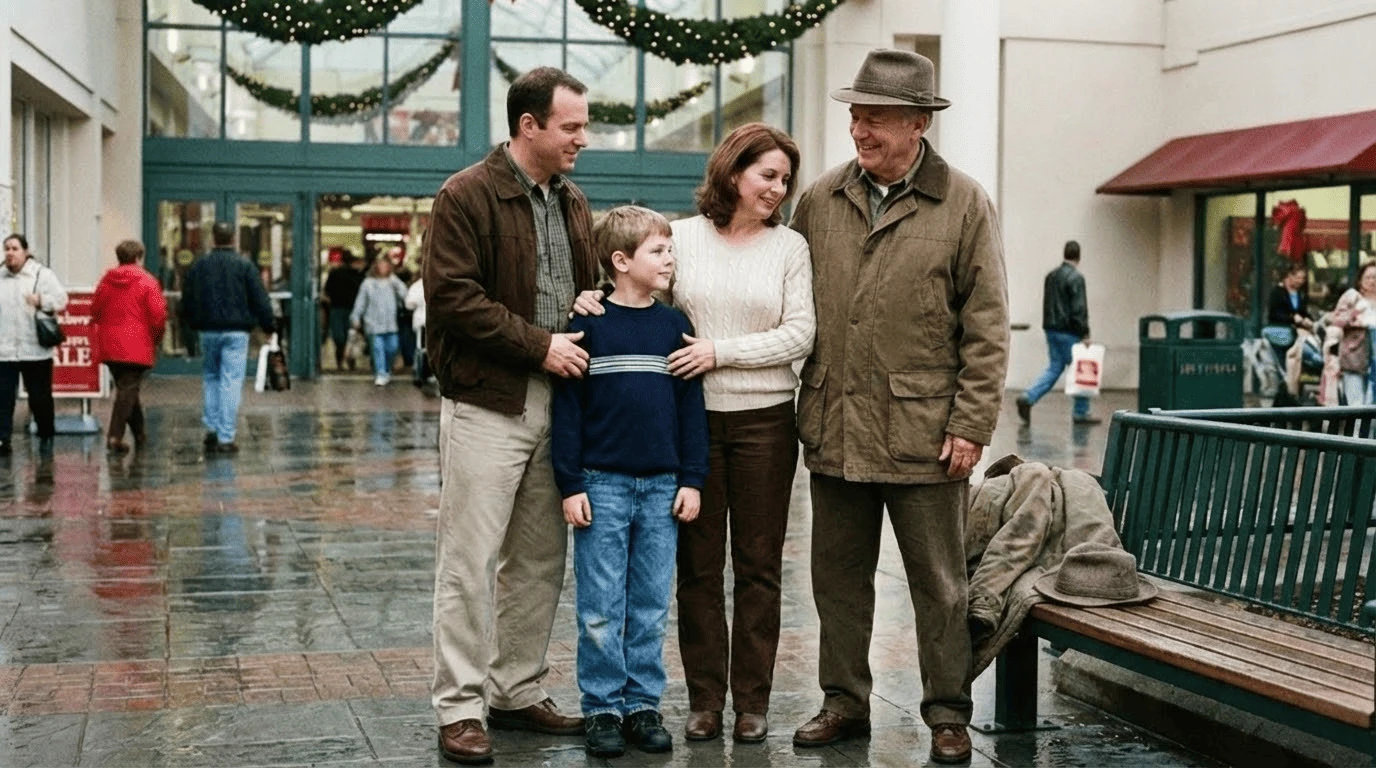
Start from an existing group photograph and add one loved one from a separate reference picture.
Bring separate family and pet photographs together in one portrait.
Choose a setting, finish and aspect ratio, then explain details that matter to your family in your own notes.
Add exact names or a greeting, choose a canvas and inspect the image crop before downloading a PNG.
Explicitly save references, settings and edits to your account so you can return to a project in another session.
Our approach
AI creates a new interpretation of your photographs. We give you references, settings, editing and export controls so you can judge the result and decide what feels right to share.
Clear reference photographs guide the faces, ages and details you want to preserve. Always inspect the finished picture.
Each tool names the photographs it needs and the kind of keepsake it helps you make.
Review a result, adjust your text or print layout, and download the version you choose.
Keep control of names, dates and messages with editable text that is added after image generation.
Choose a meaningful group photograph and a clear reference to bring someone special into the scene.
Have a question or an idea to share? support@addlovedonetophoto.app