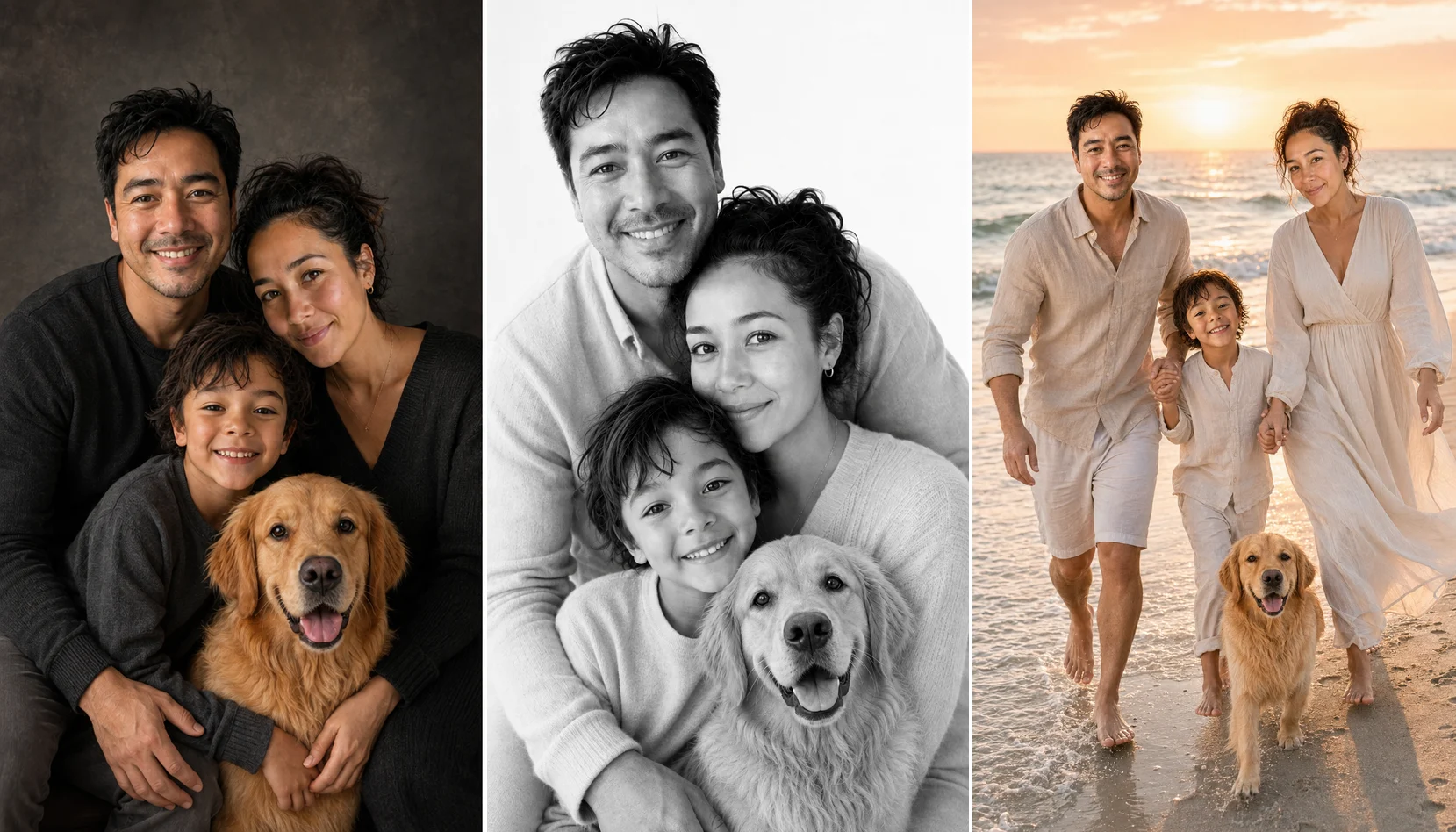
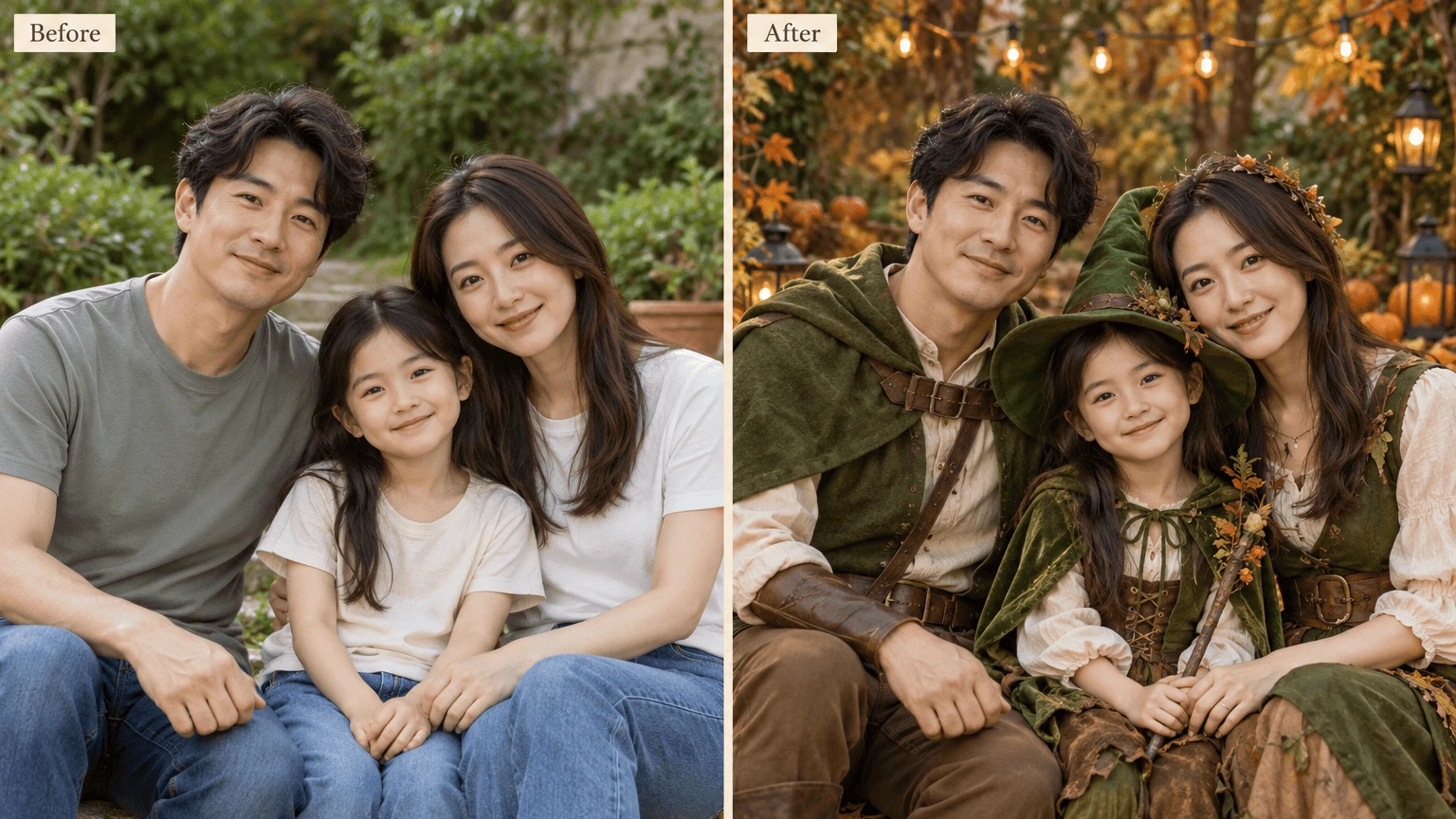
Instructions
1 of 1Create a Hanukkah AI picture for a warm holiday message. Make a festive scene on its own or add family references, then finish the image with an editable greeting.
A Hanukkah AI picture can begin with your family photographs or with no references at all. Choose a candlelit setting, guide the style, and add the words you want to share.

Create a Hanukkah AI picture without people, or add up to eight references to guide a personal family celebration image.
Give your Hanukkah AI picture a calm candlelit mood. Choose a setting and visual finish, then use notes for colors and family details.

Add two exact text lines after generation, making it easy to correct family names or change a message without regenerating.
Download the original artwork or arrange an edited PNG for your own holiday sharing, a framed display or personal printing.

Upload clear references for the people you want included and label them in order. Choose a shared setting, then check faces in the result. Leave references empty to request holiday artwork without people, and review it before adding your greeting.
Create Your Holiday Image
Add a short greeting and a second line for your family name or year. Choose top or bottom placement, then preview a print canvas. The lettering is edited separately from the AI artwork, so your words stay editable.
Add Your Holiday GreetingBegin your Hanukkah AI picture with optional family references, or leave uploads empty to create a holiday scene without people.
Choose scene, finish, aspect ratio and tier. Add notes to guide the colors or atmosphere of your Hanukkah AI picture.
Check the candle arrangement and any faces, enter your exact greeting, and download. Use Save explicitly if you plan to return.
Yes. Leave reference uploads empty for a festive scene without people. The Hanukkah AI picture instructions focus on one menorah and a decorated table. Describe the atmosphere in notes, then review the artwork before adding your own greeting.
Add up to eight clear reference images and label the people in upload order. Your Hanukkah AI picture uses those references to guide a personal portrait. Choose photos with recognizable faces and check every person in the finished image, since AI can alter details. For a year-round portrait, try Family Photo Maker.
The prompt specifies four menorah holders on each side and one elevated central shamash, nine in total. Inspect your Hanukkah AI picture carefully: AI can still draw incorrect candle counts or arrangements, even with explicit holiday instructions.
Use JPG, PNG or WebP files within 10 MiB each. A clear, well lit view gives your Hanukkah AI picture useful identity information. Avoid tiny faces or heavy blur, particularly when several family members will share the new scene.
The Hanukkah AI picture tool offers photographic, watercolor, pencil and cinematic finishes. Choose one before generation and use notes for the mood. For example, request a quiet candlelit table with blue and gold accents, then check the candle details afterward.
Add your greeting after generation using the caption and second text line. Those exact edits sit outside the AI artwork, rather than relying on the model to spell. You can correct the message on your Hanukkah AI picture without starting a new generation.
Arrange your Hanukkah AI picture on original size, 6×4, 5×7, 8×10 or A4. Contain retains the complete image; cover fills the canvas with cropping. Check the greeting and menorah in the preview before downloading the edited PNG.
No. PNG export uses a 300 DPI canvas and can enlarge the source to match the selected print size. Check the displayed source and export pixels. Enlarging your Hanukkah AI picture changes the output dimensions but cannot restore detail the source image did not contain.
Each generation uses 10 credits at any tier. Registration includes 10 credits once, enough for one image. Editing text and exporting an existing result use no extra generation credits. A variation uses another 10 credits; failed generations return their credits.
Use Save to store your Hanukkah AI picture project’s references, settings, text edits and result in your account. If saving fails, inputs remain available to retry. Download important holiday images too, because result files have a limited storage lifetime.
References and results are private to your account within the service. AI providers receive the images to process your generation request. Choose references you are comfortable submitting and consider the wishes of everyone pictured, especially when a family portrait includes children.
Start before you need the greeting so you can check faces, count candles and revise your words. Generation time varies with the request and service conditions. If you plan to print the image, allow time to inspect a sample at the size you intend to use.

Begin your Hanukkah AI picture with a festive scene or family references, then add a greeting that feels like your own celebration.
Create Your Holiday Image